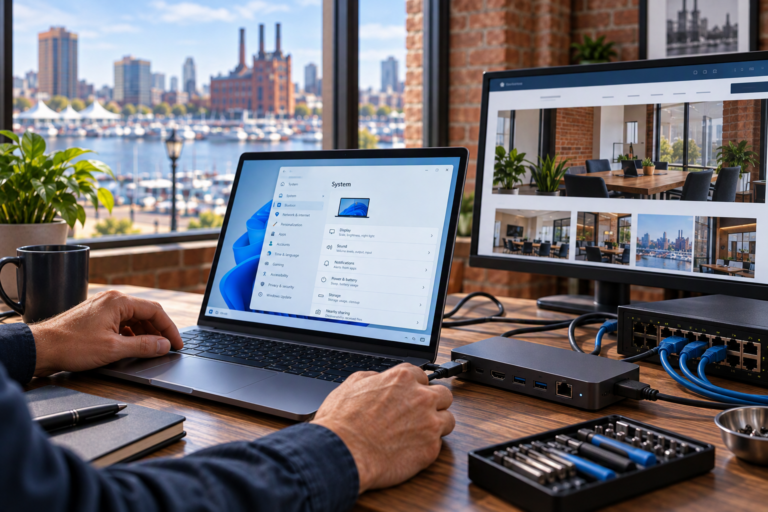
Network security in Baltimore, MD helps small businesses control access, maintain supported equipment, and reduce avoidable exposure across their connected systems. SyncTek Solutions provides practical network security recommendations and management for organizations that may not have internal IT staff. The approach is layered and straightforward: understand the network, address meaningful weaknesses, and keep protections aligned with daily business needs.
Network Security in Baltimore, MD
Network security involves the settings, equipment, and maintenance practices used to protect network connections and control communication. It includes decisions about who can connect, what connected devices can reach, and how network equipment is administered.
A firewall is one important component. It applies rules to traffic passing through it, helping control connections between networks. However, a firewall cannot replace device updates, secure user accounts, endpoint protection, or backups. No single product or configuration makes a business completely secure.
For a small organization, effective security should be manageable. Clear rules, documented settings, and consistent maintenance are often more useful than adding features that nobody understands or maintains.
Signs Your Network Needs Attention
Security reviews are useful when opening an office, replacing equipment, adding remote access, or expanding Wi-Fi. They are also worthwhile when the network has grown without regular oversight.
Common concerns include:
- Guest devices connecting to the same unrestricted network as business computers.
- Network equipment running old firmware without a maintenance plan.
- Administrative credentials shared without clear ownership or review.
- Remote-access settings that no longer reflect current staffing.
- Uncertainty about which devices are connected or who manages them.
- Missing documentation and equipment configuration backups.
These issues do not automatically mean a business has experienced a security incident. They indicate areas where a practical review may improve control, reliability, and confidence in the environment.
What SyncTek Solutions Can Provide
SyncTek Solutions supports network security through firewall configuration, gateway management, segmentation, VPN support, firmware management, and network monitoring. The appropriate scope depends on your equipment, priorities, and selected services.
Firewall and gateway configuration
Access rules should reflect actual business requirements. Reviewing unnecessary exposure, management access, and permitted connections helps establish a more understandable network boundary. Settings should be documented so future changes do not depend on guesswork.
Network segmentation and Wi-Fi organization
Separating guest access and other device groups can reduce unnecessary communication with business systems. VLAN configuration and suitable firewall rules help create those boundaries while preserving required access to printers and shared resources.
Remote-access management
VPN configuration can provide encrypted connections for authorized users or business locations. Access should be limited to the resources needed, and account changes should be reflected when employees join, change roles, or leave.
Maintenance, monitoring, and documentation
Firmware updates address supported equipment fixes and security issues. Configuration backups and accurate documentation support recovery and troubleshooting. Monitoring may help identify connectivity problems or equipment conditions that need investigation, depending on the platform and plan.
A Practical Security Improvement Process
The process begins by identifying network equipment, connected device groups, remote-access methods, and important business resources. SyncTek Solutions then helps prioritize recommendations according to the current environment and the impact of each change.
Some improvements may involve adjusting existing settings rather than buying new hardware. Others may require replacing unsupported equipment or changing how devices connect. Recommendations should explain the reason for the change, expected benefits, and potential disruption.
After implementation, testing checks that normal work remains possible and intended restrictions are in place. Ongoing review is important because new devices, applications, and staffing changes can alter the network’s security requirements.
Connect Network Security with Broader Protection
Network controls work best alongside managed computers, endpoint security, Microsoft 365 security, and account management. SyncTek Solutions uses SentinelOne Complete as part of its managed endpoint security offering, providing antivirus capabilities and Endpoint Detection and Response. Endpoint protection complements network controls; it does not guarantee protection against every attack.
Backup planning serves a different purpose. A backup provides another recoverable copy of important information if the original becomes unavailable, corrupted, deleted, or encrypted. It supports recovery but does not replace preventive security measures.
SyncTek Solutions brings these related needs into practical conversations, with personalized Baltimore-area support and recommendations suited to smaller organizations rather than unnecessarily complex infrastructure.
FAQs
Is a firewall enough for a small business?
No. A firewall is one layer. Updates, endpoint protection, account security, appropriate access controls, and backups address different risks and should be considered together.
Can existing equipment be made more secure?
Often, configuration and maintenance improvements are possible. Equipment age, supported firmware, and available features determine whether continued use is appropriate.
Does monitoring mean someone is watching continuously?
Not necessarily. Applicable managed services may provide 24/7 automated monitoring and alerts. Standard phone and email technical support is Monday through Friday, 9:00 AM to 6:00 PM Eastern Time; after-hours assistance is best-effort.
Request a Network Security Assessment
Talk to SyncTek Solutions about practical network security for your Baltimore-area business. Call 410-368-0084 or email support@syncteksolutions.com to discuss your current setup, priorities, and service options. Consult current pricing information for the appropriate scope of support.