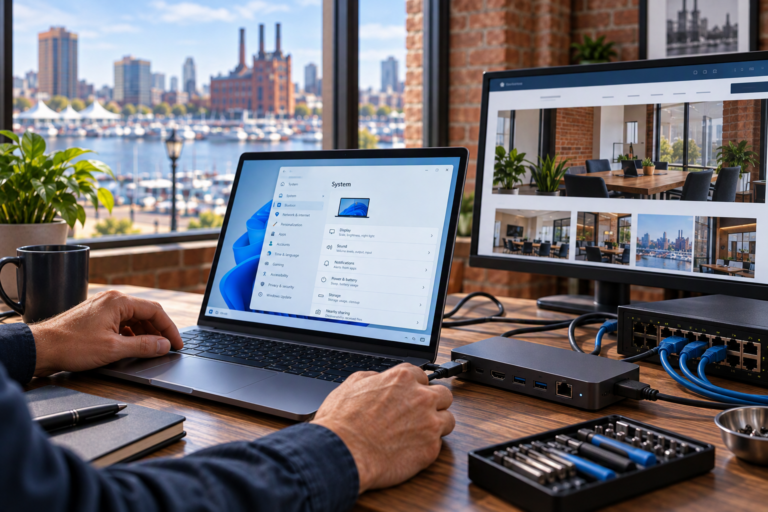
Router and network equipment installation in Baltimore, MD gives small businesses and home offices a practical foundation for reliable connectivity. SyncTek Solutions helps deploy and configure network equipment so computers, printers, wireless devices, and business applications can work together. The focus is on an appropriate setup for your needs, with understandable recommendations and attention to security from the beginning.
Installing a network involves more than plugging in a router. Equipment compatibility, addressing, wireless access, firewall settings, and administrative control all affect how well the network operates. Getting those details organized early can prevent avoidable disruptions and make future support easier.
Router and Network Equipment Installation in Baltimore, MD
This service supports customers opening a workspace, setting up a home office, replacing an improvised network, or deploying equipment for a new location. It is particularly useful for smaller organizations that rely on connected technology but do not have internal IT staff.
SyncTek Solutions provides network equipment deployment and configuration based on the environment. Recommendations consider the number and type of devices, required applications, remote access needs, and expected growth rather than simply selecting the most expensive equipment.
Understanding the Main Network Components
Different devices perform different jobs. Knowing those roles helps you understand what your installation actually needs.
- Router or gateway: Directs traffic between your local network and outside networks, including the internet.
- Firewall: Applies rules that control permitted network traffic. This function may be built into the gateway.
- Network switch: Connects wired devices and provides additional network ports.
- Wireless access point: Connects Wi-Fi devices to the local network.
- Provider equipment: Connects your location to the internet provider’s service and may also include routing functions.
Some products combine several of these functions. The installation plan should account for that overlap so multiple devices do not unintentionally compete to manage the same connections.
What Installation May Include
Depending on the agreed scope, SyncTek Solutions can assist with router configuration, managed switch configuration, wireless access point deployment, firewall settings, and connectivity testing. More advanced requirements may involve virtual local area networks, or VLANs, which logically separate groups of devices on compatible infrastructure.
VPN configuration may also be appropriate when authorized users need remote access or multiple business locations need a protected connection. These requirements should be discussed before deployment because they influence equipment selection and configuration.
Practical setup considerations include administrative credentials, firmware versions, device naming, configuration backups, and documentation. Physical installation requirements, available connections, and any additional cabling needs should be confirmed during planning.
How the Installation Process Works
Review your requirements
The starting point is understanding how the network will be used. A small office with shared printers has different requirements from a location with guest Wi-Fi, multiple departments, or remote users. Existing provider equipment and service details also help define the plan.
Confirm equipment and compatibility
Available ports, wireless requirements, power needs, and supported management features all matter. For example, an access point that uses Power over Ethernet needs compatible power delivery. Reviewing those details before deployment reduces unnecessary purchases and surprises.
Configure the network
Configuration establishes how devices receive network addresses, which connections are allowed, and how wireless or separated networks operate. Security settings should support legitimate work without leaving unnecessary access open.
Test everyday tasks
Useful validation goes beyond checking whether one webpage loads. Depending on your environment, testing may include internet access, printing, Wi-Fi connectivity, shared resources, and authorized remote connections. Important settings should be documented to support future maintenance.
Why Professional Installation Matters
Default settings may get a device online without addressing business requirements. Conflicting routers, poorly configured guest access, or missing documentation can create problems that only become apparent after users depend on the network.
Professional installation helps coordinate the equipment as one system. SyncTek Solutions offers a practical, personalized approach for Baltimore-area customers, including businesses in surrounding communities such as Dundalk and Towson. Related services include Wireless Access Point Installation, Network Troubleshooting, and Managed Network Services for customers who need continued management after deployment.
FAQs
Can I use equipment I already own?
Possibly. Existing equipment should be reviewed for compatibility, condition, supported features, and firmware availability. Reusing suitable hardware may be more practical than replacing everything.
Will installation interrupt internet access?
Changing the active router or other essential equipment can interrupt connectivity. Discuss the likely impact and scheduling requirements before work begins so users can plan around the change.
Does installation include ongoing management?
Deployment and ongoing management are different service needs. Managed network options may include monitoring, firmware management, and configuration backups, depending on the selected service.
Plan Your Network Installation
Contact SyncTek Solutions at 410-368-0084 or support@syncteksolutions.com to discuss your location, equipment, and connectivity goals. Request a network assessment and current pricing information to establish a clear installation scope before proceeding.