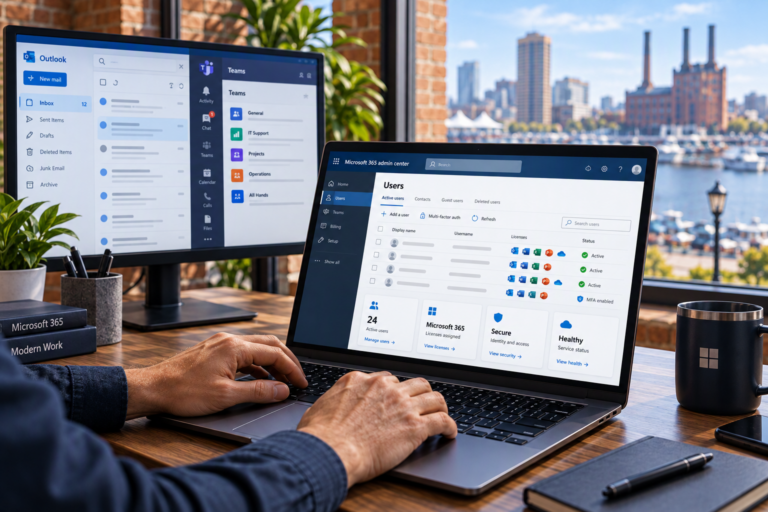
On-site computer support in Baltimore brings technical assistance to the place where a problem is happening. SyncTek Solutions provides onsite help where available for small businesses, home offices, and residential customers whose computers or connected equipment need hands-on attention.
Some problems cannot be understood fully through a remote session. A computer may not start, a workstation may lose connectivity, or a printer may have both physical and software issues. Working with the equipment in its actual environment can help identify what is wrong and what should happen next.
On-Site Computer Support in Baltimore
Onsite support means a technician visits your location to investigate or work on technology directly. It is particularly useful when troubleshooting involves hardware, cables, peripheral devices, or the relationship between a computer and the surrounding network.
SyncTek Solutions serves the Baltimore area, with onsite availability depending on your location and requested service. Customers in communities such as Dundalk, Essex, and Towson can contact the company to discuss coverage and scheduling rather than assume immediate or same-day availability.
The goal is practical assistance that accounts for the way you actually use your equipment, whether that is a single home-office workstation or several computers in a small business.
When Hands-On Assistance Makes Sense
Remote troubleshooting is useful for many software problems, but it requires a working connection and accessible computer. An onsite visit may be more appropriate when the issue involves:
- A computer that does not start or cannot establish a remote session.
- Hardware diagnostics or a potential component upgrade.
- New computer installation and peripheral connections.
- Printer troubleshooting that requires physical inspection.
- Network cables, routers, switches, or wireless equipment.
- Connectivity problems affecting several devices at a location.
- Data migration involving equipment that needs local access.
Not every issue requires replacement parts or a new computer. A loose connection, incorrect setting, or incompatible device can produce symptoms that look more serious. Investigation helps separate simple corrections from problems requiring additional work.
What SyncTek Solutions Can Provide
Computer services include Windows and macOS support, software troubleshooting, performance optimization, hardware diagnostics, compatible upgrades, new computer setup, and backup or recovery assistance. The work performed during a visit depends on the issue, available access, and agreed scope.
When a problem involves more than one computer, network support may also be relevant. SyncTek Solutions provides services such as router configuration, Wi-Fi optimization, network troubleshooting, and connectivity assistance. These services can help determine whether the source is an individual workstation or shared infrastructure.
Recommendations should be understandable and proportional. The objective is a reliable setup that supports your work, not a list of equipment purchases without a clear reason.
How an Onsite Visit Is Planned
Discuss the Problem Before Scheduling
Describe the symptoms, affected equipment, location, and business impact. Let SyncTek Solutions know whether the computer powers on, whether internet access is working, and whether other devices have the same problem. This information helps determine whether an onsite visit is the appropriate starting point.
Confirm Scope and Access
Discuss the requested work and review current pricing information. Arrange access to the relevant equipment and make sure someone authorized to approve changes is available. Business systems may require administrator access or coordination with another provider.
Investigate the Equipment and Environment
Hands-on troubleshooting can include checking connections, observing device behavior, reviewing configuration, and testing affected tasks. If the investigation reveals a need for parts, additional services, or provider involvement, those next steps should be discussed rather than assumed.
Review Results and Recommendations
After the work, test the tasks that matter to you. A useful follow-up discussion covers what changed, any unresolved limitations, and maintenance recommendations that may improve long-term reliability.
Prepare Your Space for Technical Support
Make the computer and related equipment accessible. Gather relevant error messages, describe recent changes, and identify important files or applications. If possible, maintain a current backup before significant work. If no backup exists or data may already be at risk, mention that before troubleshooting begins.
Backup and cybersecurity address different needs. Security measures help reduce threats; backups provide another recoverable copy of important information. SyncTek Solutions can discuss both as part of broader computer support and technology planning.
Why Choose SyncTek Solutions?
SyncTek Solutions offers personalized Baltimore-area support with practical explanations and recommendations suited to smaller organizations and home users. Related managed computer services can add proactive maintenance after an immediate problem is addressed, with features depending on the chosen plan.
FAQs
Is onsite service available at every location?
Availability depends on your location and service needs. Contact SyncTek Solutions to confirm coverage and scheduling.
Will every issue be completed during one visit?
Not necessarily. Some problems require replacement components, further diagnostics, or action from a third-party provider. Completion depends on the circumstances.
What are your standard support hours?
Standard email and phone support is available Monday through Friday, 9:00 AM to 6:00 PM Eastern Time. Onsite scheduling should be confirmed directly; after-hours support is best-effort.
Request Onsite Assistance
Contact SyncTek Solutions at 410-368-0084 or support@syncteksolutions.com to describe your issue, confirm onsite availability, and discuss the next steps.