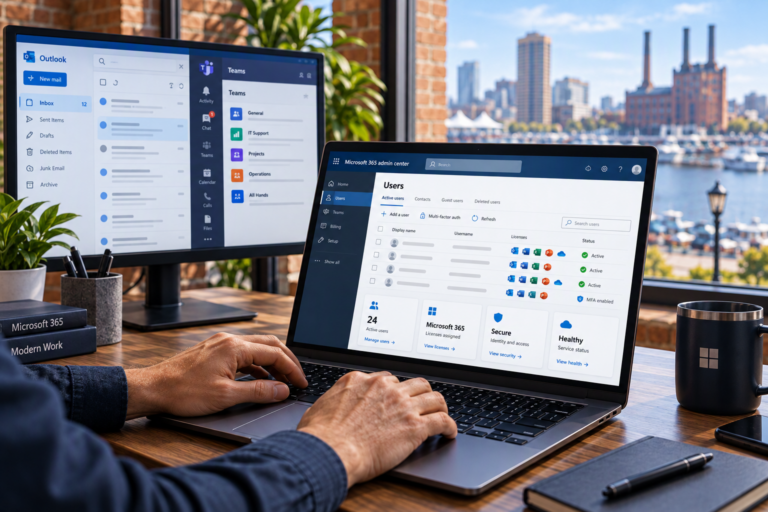
Website Troubleshooting in Baltimore, MD helps businesses identify and resolve technical problems that interrupt their online presence. SyncTek Solutions provides practical support for website errors, WordPress issues, hosting complications, and connected services, with understandable explanations rather than unnecessary technical jargon.
When a website stops working properly, the effect can reach beyond the screen. Customers may be unable to submit inquiries, find important information, or complete purchases. Troubleshooting focuses on determining what is failing, identifying the likely cause, and choosing a repair that supports reliable operation.
Website Troubleshooting in Baltimore, MD for Small Businesses
Website troubleshooting is the structured investigation of a technical problem. It is different from randomly changing settings until a symptom disappears. A careful approach looks at when the problem started, which visitors or pages are affected, and what changed before the issue appeared.
SyncTek Solutions helps businesses that do not have an internal website administrator, including local service companies, home offices, and online sellers. Whether your website is completely unavailable or one important feature is unreliable, the first step is defining the problem clearly.
Common Website Problems That Need Investigation
A website depends on several connected systems. Problems may originate in the site software, hosting account, domain settings, or an outside service rather than the page where the symptom appears.
- Unavailable pages: Visitors encounter server errors, blank screens, or missing content.
- WordPress conflicts: A theme or plugin change disrupts appearance or functionality.
- Contact form problems: Submissions fail or notification emails do not arrive.
- Login issues: Authorized users cannot access the administration area.
- SSL warnings: Browsers report certificate or secure-connection problems.
- Broken layouts: Menus, images, or page sections display incorrectly.
- Store issues: Product, cart, or checkout behavior becomes inconsistent.
SyncTek Solutions provides WordPress support and also supports Shopify projects. Available repair options depend on the platform, access permissions, and whether a third-party provider controls the affected feature.
How the Troubleshooting Process Works
Collect the Symptoms and Recent History
Useful details include the affected page, the exact error message, the approximate start time, and any recent updates or account changes. Screenshots can help distinguish a layout problem from an access or connection issue. Describe what you expected to happen and what happened instead.
Review Access and Recovery Options
Investigation may require website administration, hosting, or domain access. Existing backups and recovery options should be considered before significant changes. Account access should be shared through an appropriate secure method, not posted publicly or included unnecessarily in screenshots.
Identify the Source
Depending on the symptom, investigation may involve software settings, error records, hosting configuration, or connected services. For example, a missing contact email could involve the form itself, SMTP configuration, or the receiving email system. SMTP is the method a website can use to send messages through an email service.
Apply and Check the Repair
The appropriate fix should address the cause where possible, not merely hide an error. After changes, affected functions should be checked again. A repaired form should be tested through submission and delivery, while a layout repair should be checked on relevant screen sizes.
Why Professional Troubleshooting Helps
Unplanned changes can make diagnosis harder. Updating every component at once, deleting plugins, or restoring an older database may introduce new issues or remove recent information. Professional assistance helps evaluate those risks and keep the investigation organized.
Some problems also require coordination between website, hosting, and email settings. SyncTek Solutions provides website hosting, migrations, DNS configuration, SSL configuration, and Microsoft 365 support, allowing recommendations to account for connected technology where relevant.
Once the immediate issue is addressed, related website maintenance, backup, security, or performance optimization services may help reduce repeat problems. These should be recommended based on the findings, not added automatically.
Local Support with Clear Expectations
SyncTek Solutions is a Baltimore-area technology partner focused on personalized service and practical guidance. Explain your business priorities so troubleshooting can account for the functions that matter most, such as inquiries, scheduling, or checkout.
Standard email and phone technical support is available Monday through Friday, 9:00 AM to 6:00 PM Eastern Time. After-hours assistance may be handled on a best-effort basis; it is not guaranteed around-the-clock human support. Confirm the scope and applicable pricing when requesting assistance.
FAQs
What should I send with a support request?
Include your website address, affected page, error message, start time, and recent changes. Do not include passwords or sensitive customer information in an ordinary support message.
Can every website problem be fixed immediately?
No. Timing depends on the cause, available access, website condition, and any provider involvement. Investigation is needed before reliable expectations can be set.
Should I restore a backup first?
Not automatically. Restoration can overwrite newer content or transactions. Review the symptoms and recovery tradeoffs before replacing current website data.
Request Website Technical Support
Contact SyncTek Solutions at 410-368-0084 or support@syncteksolutions.com. Describe the problem and its business impact so the next steps can be discussed clearly.